




Pricing a workload usually comes down to one question: is it cheaper to run in the cloud or to keep it on your own hardware?
It feels like it should have a clean answer, and plenty of vendors are happy to give you one.
The real answer is that “cloud is cheaper” holds for some workloads and quietly falls apart for others.
- Cloud wins on low upfront cost and easy scaling.
- On-premise still wins on control and, for steady workloads on hardware you already own, on long-run cost.
The mix is what decides it.
Here’s the honest breakdown: both cost structures side by side, the hidden costs each one buries, the factors that move the answer, and a simple rule for when cloud, on-premise, or hybrid comes out ahead. For the migration side of the math, see our breakdown of cloud migration costs.
TL;DR
- Cloud has low upfront cost, pay-as-you-go pricing, and easy scaling for changing demand.
- On-premise needs heavy upfront investment but gives more control and customization.
- Over time, cloud cuts maintenance, staffing, and hardware spend; on-premise carries ongoing operating cost.
- The cheaper option depends on workload steadiness, compliance needs, and growth.
- Many teams run hybrid to balance cost, control, and scale.
- Not sure which way your numbers fall? Schedule a cloud cost assessment and we will model it against both options.
Cloud vs On-Premise Cost at a Glance
| Cost Factor | Cloud | On-Premise |
|---|---|---|
|
Upfront investment |
Low, subscription-based |
High, hardware and licenses |
|
Scaling cost |
Pay only for what you use |
Buy hardware ahead of demand |
|
Maintenance |
Handled by the provider |
In-house IT staff |
|
Hardware refresh |
Included by provider |
Periodic capital cost |
|
Space and energy |
None for the user |
Facilities, power, cooling |
|
Disaster recovery |
Built into most services |
Built and maintained in-house |
Understanding Cloud Server Costs
Cloud computing uses remote servers hosted over the internet to store and process data. The costs fall into five categories.
- Subscription fees. Recurring charges to the provider, varying by service model (IaaS, PaaS, SaaS), instance count, storage, and data transfer.
- Migration costs. Moving data, applications, and workloads in, including transfer fees, reconfiguration, and any downtime during the move.
- Integration costs. Connecting cloud services to existing systems, sometimes needing middleware, APIs, or custom development.
- Management costs. Updates, patching, scaling, and troubleshooting, which can add fees if outsourced to a managed provider.
- Compliance costs. Meeting regulatory and security standards through certifications, audits, and added controls.
Understanding On-Premise Server Costs
On-premise computing runs on physical servers inside your own facilities. The costs also fall into five categories.
- Acquisition costs. Hardware (servers, racks, switches) and software licenses, plus cabling, networking, and security systems.
- Installation costs. Cabling, network configuration, testing, and physical security setup.
- Operation costs. Electricity, cooling, repairs, upgrades, and replacements, all ongoing.
- Staffing costs. A skilled IT team to manage, monitor, and troubleshoot the infrastructure, plus salaries, training, and benefits.
- Downtime costs. Lost productivity and revenue from outages, which belong in any honest cost analysis.
Factors Influencing Cloud vs On-Premise Costs
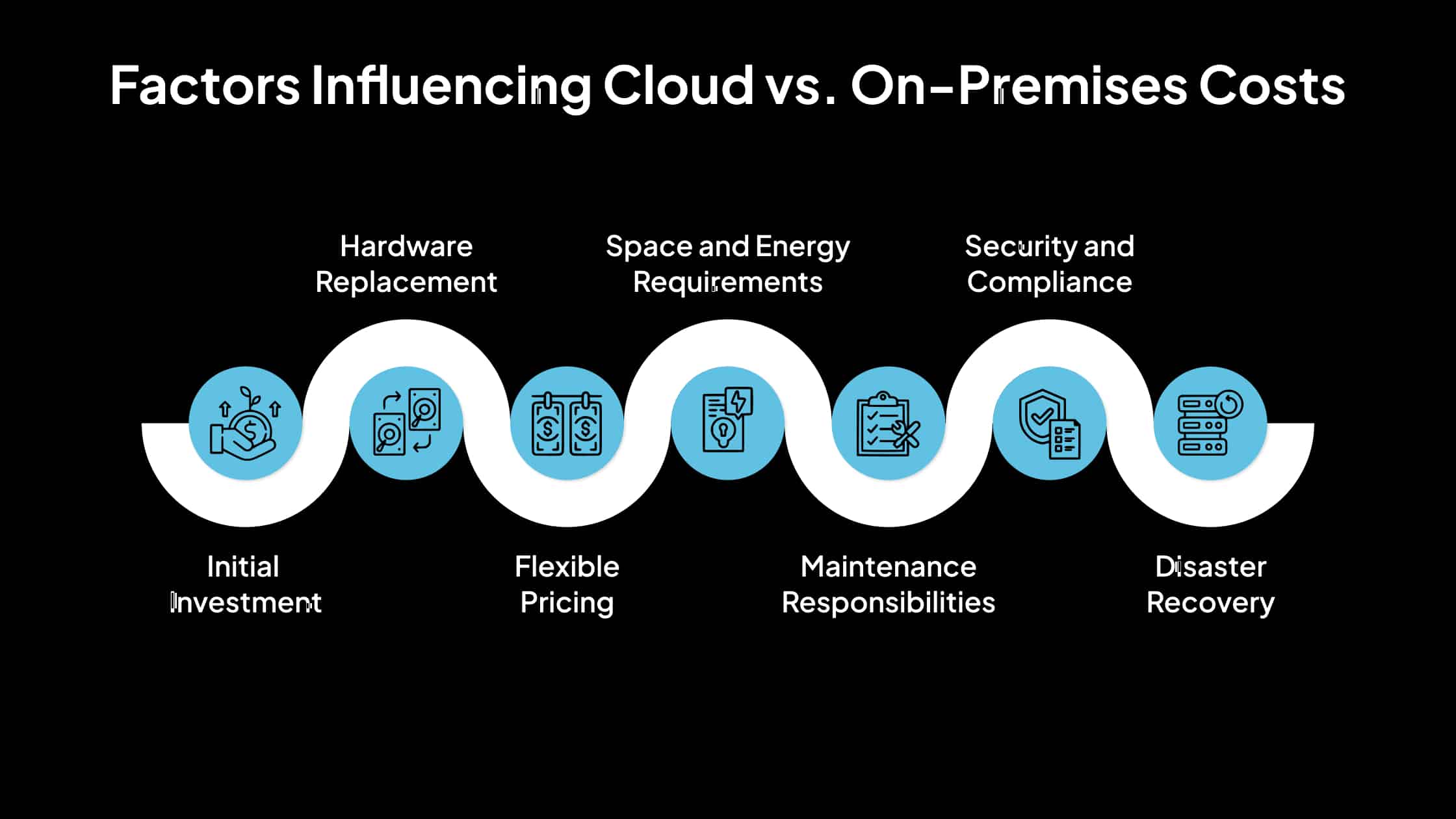
Cloud often looks cheaper, but not in every case. Seven factors shift the math.
| Factor | Cloud | On-Premise |
|---|---|---|
|
Initial investment |
Minimal; rent capacity via subscription |
Significant; buy hardware and licenses upfront |
|
Hardware replacement |
Provider handles upgrades |
Periodic capital cost to refresh aging gear |
|
Flexible pricing |
Pay-as-you-go, scale on demand |
Scaling means buying more hardware |
|
Space and energy |
No facilities burden |
Physical space, power, and cooling |
|
Maintenance |
Provider-managed |
In-house IT effort |
|
Security and compliance |
Provider invests at scale |
You fund infrastructure, training, audits |
|
Disaster recovery |
Built into most services |
Build and maintain your own plan |
Assessing Workload Costs: Cloud vs On-Premise
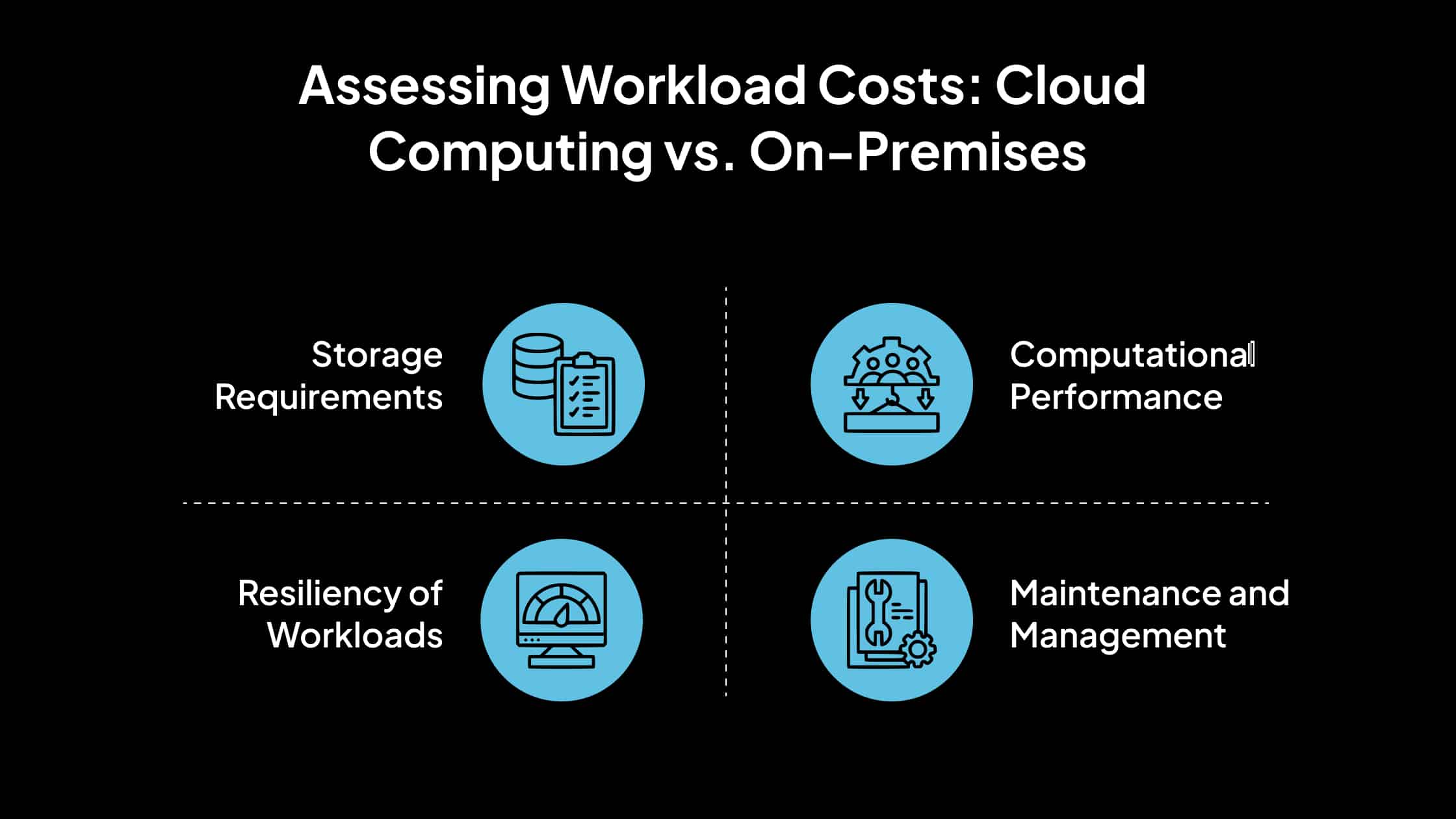
The right answer is workload-specific. Four considerations decide which option is cheaper for a given system.
- Storage requirements. On-premise forces you to predict capacity, which leads to over- or under-provisioning. Cloud lets you start small and expand, paying only for what you use.
- Resiliency of workloads. On-premise resiliency means mirrored servers and extra hardware. Cloud-native services distribute data across data centers, cutting the cost of staying resilient.
- Computational performance. High-performance on-premise workloads need expensive, fast hardware bought ahead of need. Cloud lets you match compute and storage to the workload.
- Maintenance and management. On-premise needs dedicated staff for updates and repairs. The provider handles this in the cloud, freeing your team for core work.
Cloud vs On-Premise: Pros and Cons
A quick view of the trade-offs on each side.
Cloud Computing Costs
| Pros | Cons |
|---|---|
|
Fast to launch services and improve customer experience |
Lower capex, but lifetime subscription cost can climb |
|
Strong encryption, compliance, and regular backups |
Hands control of data security to a third party |
|
Real-time analytics and reporting |
Access depends on internet connectivity |
|
Automatic backups and recovery |
Long-run cost needs active monitoring |
On-Premise Costs
| Pros | Cons |
|---|---|
|
Full control over data and infrastructure |
High upfront capital cost |
|
Customization for strict compliance needs |
Scaling is slow and expensive |
|
No dependence on external connectivity |
Ongoing operating, energy, and staffing cost |
|
Predictable for steady workloads |
You own all maintenance and disaster recovery |
When Cloud, On-Premise, or Hybrid Wins
There is no single answer. Use the workload to decide.
- Cloud is usually cheaper when demand is variable or growing, upfront capital is limited, and you want the provider to carry maintenance and disaster recovery.
- On-premise can be cheaper when workloads are steady and predictable, hardware is already paid for, or strict control requirements rule out shared infrastructure.
- Hybrid is often most cost-effective when you need to keep some data private while scaling other workloads in the public cloud. Our guide to hybrid cloud migration covers how to split workloads for cost and control.
Real-World Cost-Smart Migrations
The cost decision only pays off if the move itself is run well. This migration shows how the cloud cost model itself, on-demand compute instead of always-on hardware, can cut spend dramatically.
Masterworks: 75% Lower Costs After Moving Off a SaaS Platform
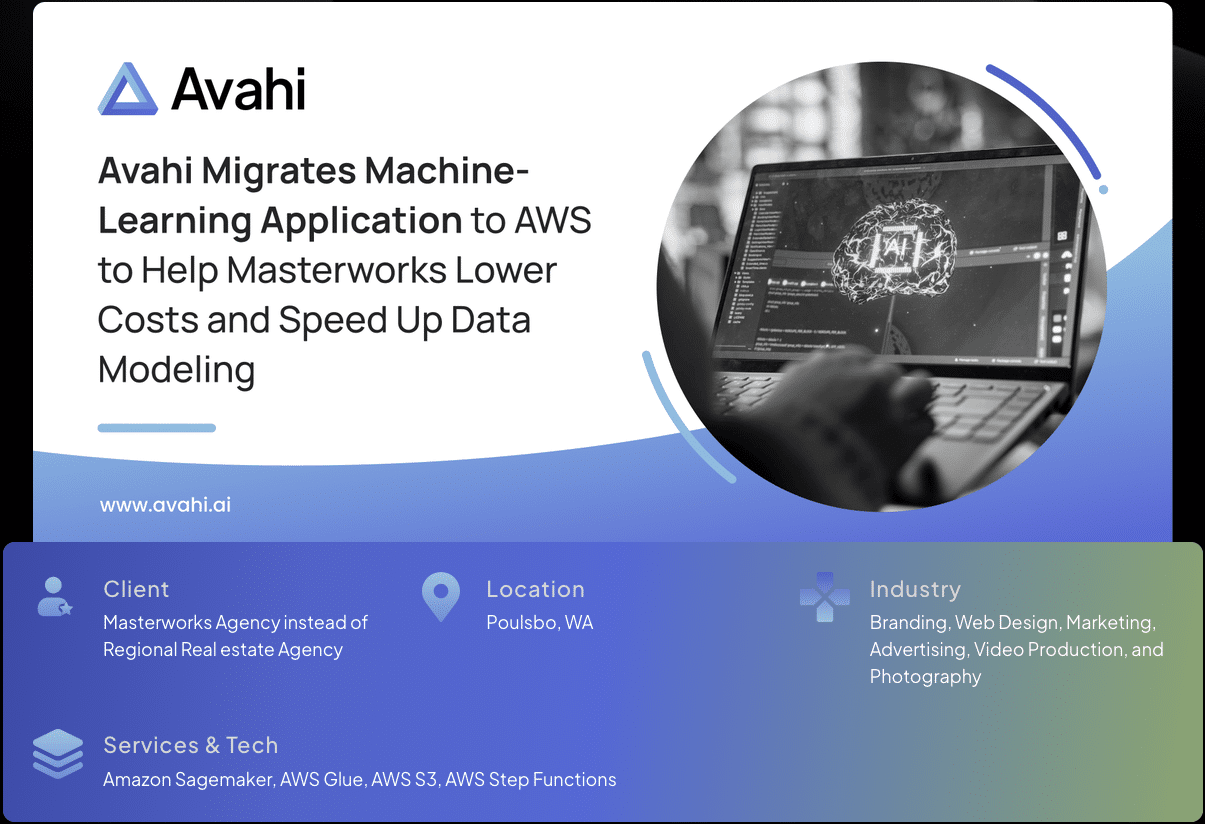
Masterworks ran its machine-learning application on a SaaS platform that charged for dedicated machines kept running around the clock, plus a per-user license fee, even though actual utilization sat between 5 and 10 percent. The cost did not match the usage.
We migrated the application to AWS on Amazon SageMaker, rebuilding the data pipeline so the team pays for compute only when models run, with no per-user charges.
Masterworks estimates the move cut hosting and usage costs by roughly 75 percent, while keeping the same models in production.
Read the full Masterworks case study.
How Avahi Helps You Control Cloud Cost
Getting the cost decision right is the first step; keeping cloud spend under control after the move is the harder one.
We are an AWS Premier Tier Services Partner, the highest tier in the AWS Partner Network, with six AWS Competencies, including Migration and Modernization, 200+ cloud launches, and 200+ AWS certifications.
Our delivery runs through a four-phase process: Discovery and Scoping, Solution Architecture, Build and Iteration, and Deployment and Handoff, with AWS cost optimization built into the plan rather than bolted on later. Teams comparing a wider move can start with our cloud migration services.
Schedule a cloud cost assessment to model your workloads against both options before you commit.
Frequently Asked Questions
Is Cloud Cheaper Than On-Premise?
Not always. Cloud is usually cheaper for variable or growing workloads and when upfront capital is limited, because you avoid buying hardware ahead of demand. On-premise can be cheaper for steady workloads on hardware you already own. The deciding factors are workload steadiness, growth, and compliance needs.
What Are the Main Cost Differences Between Cloud and On-Premise?
Cloud shifts cost from upfront capital to ongoing subscription, with the provider covering hardware, maintenance, and disaster recovery. On-premise front-loads cost into hardware and licenses, then adds operating, staffing, and energy costs over time.
What Are the Hidden Costs of Cloud Computing?
The common hidden costs are data transfer and egress fees, integration and middleware work, and management overhead if you outsource it. Subscription cost can also climb over the lifetime of a workload if usage is not monitored.
What Are the Hidden Costs of On-Premise Infrastructure?
On-premise hides cost in downtime, periodic hardware refresh, energy and cooling, and the staff time needed to maintain and secure the environment. Disaster recovery adds further cost for backup systems and off-site storage.
Cloud vs On-Premise vs Hybrid: Which Is Most Cost-Effective?
It depends on workload mix. Hybrid is often the most cost-effective when you must keep some data private while scaling other workloads publicly, since it avoids both over-buying hardware and paying public-cloud rates for steady workloads.
How Can Avahi Help With the Cloud Cost Decision?
We model your workloads against cloud and on-premise costs, then plan the move with cost optimization built in, as an AWS Premier Tier partner. Our four-phase delivery process keeps spend visible from architecture through handoff.