





Moving production workloads off Azure to AWS is a bet on the infrastructure that already runs your business, and the stakes are real. A mishandled cutover means downtime, lost data, or a security gap in the exact environment your customers depend on.
That fear is why many teams stall.
They know AWS offers a wider service catalog, better price-performance, and deeper AI tooling, but the move itself looks like a minefield of Azure-to-AWS service gaps, IAM differences, and data-transfer risk. Get the sequence wrong and a migration becomes a recovery.
Here’s the safe path. You will see why companies move from Azure to AWS, the current AWS tooling that de-risks the move, a realistic timeline, and the seven steps of an Azure to AWS migration, end to end.
TL;DR
|
Why Should You Migrate From Azure to AWS?

Companies move from Azure to AWS for a wider service catalog, more flexible pricing, and deeper AI and data capabilities. The right reason depends on your workloads. Below are the four areas where the platforms differ most: compute, storage, pricing, and databases. Weigh each against your own architecture before you plan a move.
Compute Power
Azure’s primary computing services are based on virtual machines, including tools like Cloud Services and Resource Manager for deploying cloud applications.
The primary computing solution in AWS is EC2 instances, which offer flexible computing on demand, and you can tailor them according to your applications.
Other AWS compute options include AWS Lambda for serverless workloads, Amazon ECS and EKS for containers, and EC2 Auto Scaling. Graviton-based instances, built on AWS ARM chips, can improve price-performance for many workloads compared with x86.
Storage
Azure’s storage solution is referred to as Blob storage. Azure uses page blobs and temporary storage. There are two main access tiers: Hot and Cool (with Archive for long-term retention).
Hot tier is recommended for storing data that needs to be modified or accessed more frequently. While it has low access costs, storage costs are high. Cool tier is a cost-effective storage solution that is best for storing infrequently modified or accessed data.
AWS offers storage through Amazon S3 (Simple Storage Service), which is one of the key functionalities of AWS, and it is known for its availability, scalability, low costs, and reliability. The block storage offered by AWS is similar to hard discs and can be linked to any EC2 instance. Other AWS cloud storage solutions include EBS and Glacier.
Pricing
Both Azure and AWS offer a free tier with usage limits that allow you to try out the cloud solutions before committing to them. While both Azure and AWS have a pay-as-you-go model, Azure charges per minute, and Amazon bills you per hour. Azure offers short-term commitment, allowing users to choose between monthly or prepaid charges.
AWS offers different pricing models like Reserved Instances, On-Demand Instances, Savings Plans, and Spot Instances. Spot Instances can deliver deep discounts for fault-tolerant workloads. The overall cost falls when you commit to resources over a longer term. After migrating, you can track spend with AWS Cost Explorer, AWS Budgets, and cloud migration costs planning tools like AWS Compute Optimizer.
Databases
While Microsoft Azure offers SQL Server databases, AWS offers RDS (Relational Database Services). Both are highly available, scalable, and durable.
While Azure’s database is only based on MS SQL Server, AWS’s RDS supports numerous database engines, including Amazon Aurora, MySQL, Microsoft SQL, MariaDB, Oracle, and PostgreSQL.
Azure to AWS Service Mapping
Most Azure services have a direct AWS equivalent. Mapping them before you migrate prevents functionality gaps and surprises during cutover. The table below pairs the Azure services teams use most with their closest AWS counterparts.
|
Azure Service |
AWS Equivalent |
|
Virtual Machines |
Amazon EC2 |
|
Azure Functions |
AWS Lambda |
|
Blob Storage |
Amazon S3 |
|
Disk Storage |
Amazon EBS |
|
Azure SQL Database |
Amazon RDS / Amazon Aurora |
|
Azure Cosmos DB |
Amazon DynamoDB |
|
Azure Active Directory |
AWS IAM / IAM Identity Center |
|
Azure Virtual Network |
Amazon VPC |
|
Azure Migrate |
AWS Application Migration Service (MGN) |
| Azure Monitor |
Amazon CloudWatch |
Steps to Migrate From Azure to AWS
An Azure to AWS migration follows a phased path: assess, set up, transfer, migrate, test, decommission, and document. The steps below use current AWS tooling. Each workload should be matched to a strategy, whether rehosting, replatforming, or refactoring, before you move it.
- Plan and assess your environment. Inventory your Azure workloads, applications, and data. Map dependencies and compatibility issues. Set goals for cost, performance, or scalability, and use AWS Migration Hub to plan and track the move.
- Set up your AWS account and Landing Zone. Configure billing, access controls, and security. Use AWS Control Tower to build a Landing Zone: a secure, governed, scalable environment ready before any workload moves.
- Transfer your data. Use AWS DataSync to automate transfers from Azure storage to Amazon S3, AWS Snowball for large offline transfers, and AWS Direct Connect for a dedicated high-throughput link. Validate data integrity after every transfer.
- Migrate your applications. For rehosting, use AWS Application Migration Service (MGN) to replicate Azure VMs onto Amazon EC2. For replatforming, move Azure SQL databases to Amazon RDS or Aurora with AWS Database Migration Service (DMS), and Azure Functions to AWS Lambda.
- Test and validate. Run non-disruptive test instances before cutover. Confirm performance, functionality, and security with Amazon Inspector and AWS Security Hub, and validate backup and failover.
- Decommission Azure. Use a phased approach. Confirm all critical data and workloads are running correctly on AWS before shutting down Azure resources, then close the account.
- Document and enable your team. Update security policies, runbooks, and process documentation. Train your team and establish ongoing support and AWS cost optimization practices.
How Long Does an Azure to AWS Migration Take?
An Azure to AWS migration can take a few weeks for simple lift-and-shift workloads, or several months for migrations that require refactoring, large data transfers, or AWS-native integration. The timeline depends on application complexity, data volume, the chosen strategy, and how well-prepared your team is.
A phased approach shortens perceived downtime and lowers risk. Start with low-criticality workloads, apply the lessons learned, then move your most complex systems last. Thorough assessment up front is the single biggest factor in a predictable timeline.
Biggest Challenges (and How to De-Risk Them)
Most Azure to AWS migrations fail on the same four problems. Knowing them in advance is how you de-risk the move. Each one is manageable with the right planning and tooling.
- Service and architecture differences. Azure and AWS offer similar capabilities under different names. Do a detailed service mapping (see the table above) and use AWS Migration Hub to plan equivalents first.
- Data migration and downtime. Transferring large volumes can be slow and disruptive. Use Direct Connect for throughput, DataSync or Snowball for bulk transfer, and run a pilot migration before cutover.
- Networking, security, and IAM. Firewall rules and identity systems differ. Map Azure AD roles to AWS IAM, use Control Tower for governance, and test access control thoroughly.
- Application compatibility. Some apps depend on Azure-specific services. Use AWS Application Discovery Service to assess dependencies, then refactor or containerize with ECS or Lambda.
Real World Cloud Migration Success Stories
These two migrations show the approach above holding up under real production pressure, one cross-cloud and one in a regulated industry.
Sanas: Azure-to-AWS, 150 Million Files
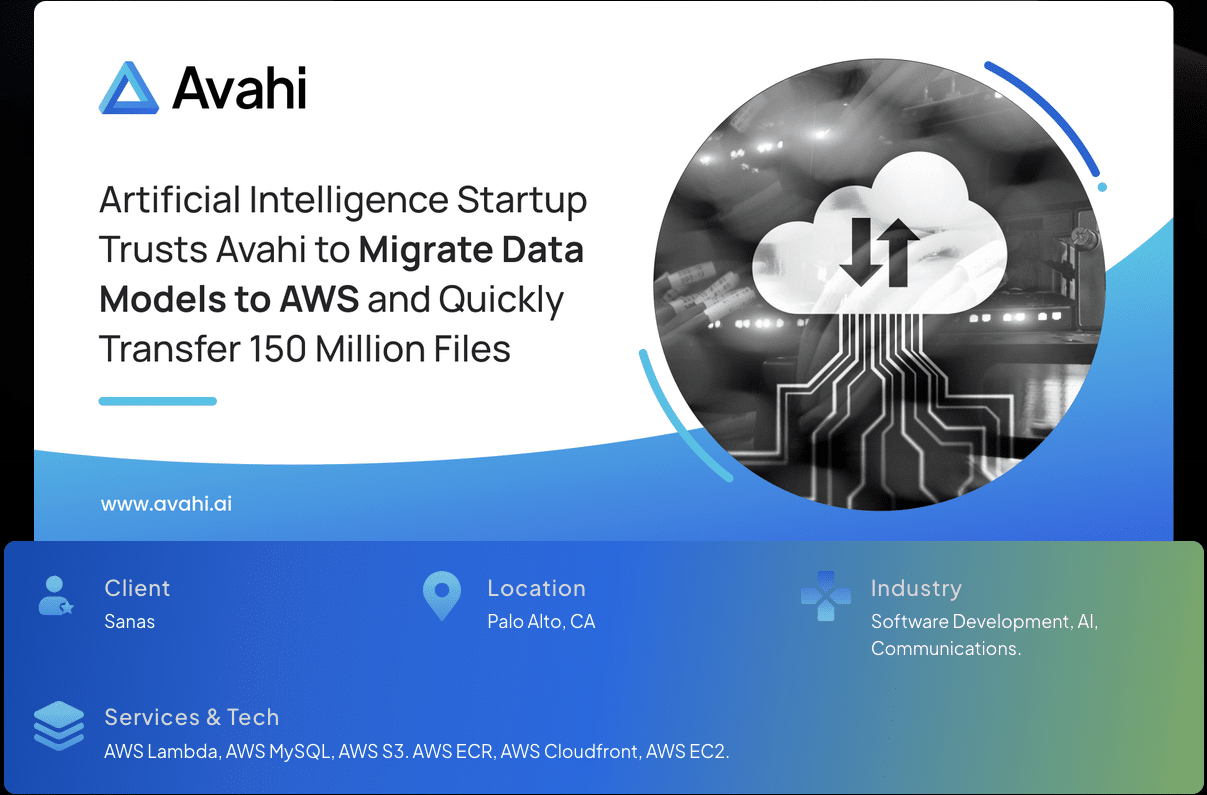
Sanas, an AI accent-translation startup, had infrastructure spread across AWS, Azure, and Google Cloud. As demand grew, it needed to consolidate on AWS and move 150 million database files off Microsoft SQL and PostgreSQL without disrupting model training.
We designed a Terraform-based architecture on Amazon ECS, piloted the transfer with AWS DataSync, then ran four parallel agents for the full move. The migration finished 50 percent faster than Sanas expected, with the training model verified before the old environment was shut down.
Read the full Sanas case study.
NorthBay Healthcare: HIPAA-Relevant Telehealth on AWS

NorthBay, a Solano County nonprofit, wanted a virtual care program but lacked the in-house skills to build something secure, compliant, and integrated with its existing systems.
We delivered in two phases. Phase 1 shipped an MVP in weeks using Amazon Chime for live audio and video. Phase 2 connected the platform to scheduling and billing through serverless APIs, keeping cost low while visit volume scaled.
Read the full NorthBay Healthcare case study.
How Can Avahi Streamline Migration From Azure to AWS
Migration is the highest-risk move most engineering teams make. The partner you choose matters more than the tooling. Here is what Avahi brings to an Azure to AWS migration.
At Avahi, we are an AWS Premier Tier Services Partner, the highest tier in the AWS Partner Network, in the top 1% of partners.
That tier reflects delivery volume, customer outcomes, and certified expertise across six AWS Competencies, including Migration and Modernization, plus 200+ cloud launches.
Every migration runs through a four-phase process: Discovery and Scoping, Solution Architecture, Build and Iteration, and Deployment and Handoff.
Senior engineers run the build, and you keep full ownership of every line of code. Delivery is security-first, with PII hashing and least-privilege IAM built in from the start. Start your migration assessment.
Plan Your Azure to AWS Migration
A migration off Azure is worth getting right the first time. The difference between a clean cutover and a costly one is planning and the team running it.
At Avahi, we scope the move, map your services, and de-risk each phase as an AWS Premier Tier partner.
Scope your AWS migration with a senior engineer from our team to get a realistic plan, timeline, and risk assessment before you commit.
Frequently Asked Questions
Why Should I Migrate From Azure to AWS?
Teams move to AWS for a broader service catalog, more flexible pricing, and deeper AI, data, and compute options. AWS also operates more regions and availability zones, which can reduce latency for global users. The right reason depends on your workloads and growth plans.
What Is the Process of Migrating From Azure to AWS?
The process runs in phases: assess, set up an AWS account and Landing Zone, transfer data, migrate applications, test, decommission Azure, and document. Most teams use AWS Application Migration Service (MGN) for servers and AWS Database Migration Service (DMS) for databases.
What Is the AWS Equivalent of Azure Migrate?
AWS Application Migration Service (MGN) is the closest equivalent for rehosting servers. For databases, AWS Database Migration Service (DMS) handles the move from Azure SQL to Amazon RDS or Aurora. AWS Migration Hub is the central dashboard to plan and track it.
How Long Does an Azure to AWS Migration Take?
Simple lift-and-shift workloads can move in a few weeks. Migrations that need refactoring, large data transfers, or AWS-native integration can take several months. Complexity, data volume, and preparation are the biggest drivers.
How Can Avahi Assist in My Migration From Azure to AWS?
Avahi is an AWS Premier Tier Services Partner that scopes, de-risks, and runs Azure to AWS migrations end to end, from discovery through cutover and optimization. Eligible companies may receive a funded migration assessment depending on the project. A senior engineer scopes your timeline and risk before you commit.