



Search “cloud migration tools” and you will find dozens of products, each marketed as the answer to every migration.
The hard part is knowing which one fits your move, which names are current, and which have quietly been retired. CloudEndure, for example, no longer exists as a standalone product.
Let’s cut through that noise. Here are ten migration tools that are active in 2026, what each one is best at, and how to match a tool to your scenario, so you can walk away with a defensible shortlist for your team.
TL;DR
|
Quick Comparison Table (At-a-Glance)
| Tool | Best For | Cloud Support | Pricing | Key Strength |
|---|---|---|---|---|
|
AWS MGN |
AWS migrations | AWS | No service charge; pay for AWS resources |
Lift-and-shift replication |
|
Azure Migrate |
Azure migrations | Azure | No-charge assessment; usage-based |
Integrated assessment |
|
Google Migrate to VMs / Containers |
GCP / Anthos | GCP | Usage-based |
VM and container migration |
|
AWS DMS |
Database moves | AWS and others | Usage-based |
Heterogeneous DB migration |
|
VMware HCX |
VMware shops | Multi-cloud | License-based |
vSphere extension |
|
Carbonite Migrate |
Zero-downtime moves | Multi-cloud | Per-server |
Continuous replication |
|
Cloudsfer |
SaaS and file moves | 20+ platforms | Per-GB |
Cloud-to-cloud SaaS data |
|
IBM Turbonomic |
Cost-aware migrations | Multi-cloud | Subscription |
Resource optimization |
|
Datadog |
Migration monitoring | Multi-cloud | Usage-based |
Performance visibility |
|
AppDynamics |
App performance at cutover | Multi-cloud | Subscription |
APM during migration |
What Are Cloud Migration Tools?
Cloud migration tools move data, applications, and workloads from on-premises infrastructure or another cloud to a target cloud environment. They automate replication, reduce downtime, protect data integrity, and check compatibility with the destination platform. Most fall into a few categories based on the job they do.
- Assessment: inventory workloads and map dependencies before the move.
- Data transfer: move large datasets and databases to the cloud.
- Replication: copy servers continuously so cutover downtime stays low.
- Orchestration: sequence and automate the migration steps.
- Monitoring: track performance during and after the move.
Teams that want this handled end to end often bring in a partner. Avahi’s AWS cloud migration services cover assessment through cutover.
The 7 R’s of Cloud Migration Strategy
Before you pick a tool, you need a strategy for each workload. AWS expanded Gartner’s original 5 R’s framework into today’s 7 R’s, and the choice shapes which tool you reach for. A rehost leans on replication tools like AWS MGN, while a refactor pulls in cloud-native services instead. For a deeper breakdown, see our guide to the 7 R’s migration strategies.
| Strategy | What It Means | When To Use |
|---|---|---|
|
Rehost |
Lift-and-shift to cloud |
Speed-to-cloud priority, minimal app changes |
|
Replatform |
Lift-and-reshape with minor optimizations |
Some cloud-native benefit, low refactor risk |
|
Repurchase |
Move to a SaaS replacement |
Legacy software with mature SaaS equivalents |
|
Refactor |
Re-architect for cloud-native |
Long-term scalability over speed |
|
Retire |
Decommission |
App no longer needed |
|
Retain |
Keep on-premises for now |
Compliance or technical constraints |
|
Relocate |
Move VMs without conversion |
Fast vSphere portability (VMware Cloud on AWS) |
How To Choose the Right Cloud Migration Tool
Match the tool to your scenario, not to the longest feature list. The table below maps common situations to a tool category and a starting shortlist. Once you have a shortlist, run it against a structured cloud migration checklist so nothing slips between assessment and cutover.
| Your Scenario | Tool Category | Top Picks |
|---|---|---|
|
Moving to AWS |
AWS-native migration |
AWS MGN, AWS DMS |
|
Moving to Azure |
Azure-native migration |
Azure Migrate |
|
VMware on-premises to cloud |
vSphere extension |
VMware HCX |
|
Zero-downtime migration |
Continuous replication |
Carbonite Migrate, AWS MGN |
|
Cost optimization first |
Assessment and sizing |
IBM Turbonomic, Azure Migrate |
|
Monitoring during cutover |
Observability |
Datadog, AppDynamics |
|
SaaS or file-level migration |
Cloud-to-cloud SaaS |
Cloudsfer |
Top 10 Cloud Migration Tools in 2026
Each tool below follows the same shape: a short overview, the scenario it is best for, core features, pros and cons, a pricing model, and a one-line cue for when to use it.
1. AWS Application Migration Service (AWS MGN)
AWS Application Migration Service, known as AWS MGN, is Amazon’s primary lift-and-shift service for moving servers to AWS. It replicates source machines at the block level, then converts and launches them on AWS with minimal cutover downtime. MGN replaced CloudEndure Migration as the recommended AWS rehost service.
Best for: Rehosting on-premises or other-cloud servers to AWS.
Features:
- Continuous block-level replication from source to AWS.
- Automated machine conversion so workloads boot natively on AWS.
- Non-disruptive testing before cutover.
- Integration with AWS Migration Hub for tracking.
- Support for physical, virtual, and other-cloud sources.
| Pros | Cons |
|---|---|
|
No service charge for the tool itself |
Targets AWS only |
|
Minimal cutover downtime |
Setup and IAM configuration need care |
|
Native AWS integration and tracking |
Not built for database-level moves |
Pricing: No charge for the MGN service. You pay only for the AWS resources used during replication and after cutover.
Use it when: You are moving servers into AWS and want a managed, low-downtime rehost.
2. Azure Migrate
Azure Migrate is Microsoft’s hub for assessing and moving servers, databases, web apps, and virtual desktops to Azure. It pairs discovery and dependency analysis with the migration tooling itself, so assessment and execution live in one place.
Best for: Organizations consolidating onto Microsoft Azure.
Features:
- Discovery and assessment of the on-premises estate.
- Dependency visualization for migration planning.
- Server, database, and web app migration.
- Cost and right-sizing guidance after the move.
- Central project tracking.
| Pros | Cons |
|---|---|
|
Assessment and migration in one console |
Needs extra setup for non-Azure targets |
|
No-charge assessment phase |
Steeper learning curve for new users |
|
Strong fit for Microsoft estates |
Pricing: The assessment is offered at no charge. Other costs depend on the Azure services used during and after migration.
Use it when: Your target is Azure and you want assessment and migration under one roof.
3. Google Migrate to Virtual Machines and Migrate to Containers
Google’s migration tooling now centers on Migrate to Virtual Machines (formerly Migrate for Compute Engine) and Migrate to Containers (formerly Migrate for Anthos). Together they move VMs into Google Cloud or modernize workloads into containers. Transfer Appliance still handles large offline data transfers.
Best for: Moving workloads into Google Cloud or containerizing during the move.
Features
- VM migration into Google Compute Engine.
- Workload modernization into containers on GKE.
- Large-scale offline data transfer via Transfer Appliance.
- Phased migration support.
- Integration with Google Cloud services.
| Pros | Cons |
|---|---|
|
Covers both rehost and containerization |
Product naming has changed and can confuse buyers |
|
Fits GCP-bound estates |
Setup complexity for container modernization |
|
Handles bulk data transfer |
Pricing: Usage-based, tied to the Google Cloud services consumed.
Use it when: Your destination is Google Cloud, or you want to containerize as part of the move.
4. Datadog
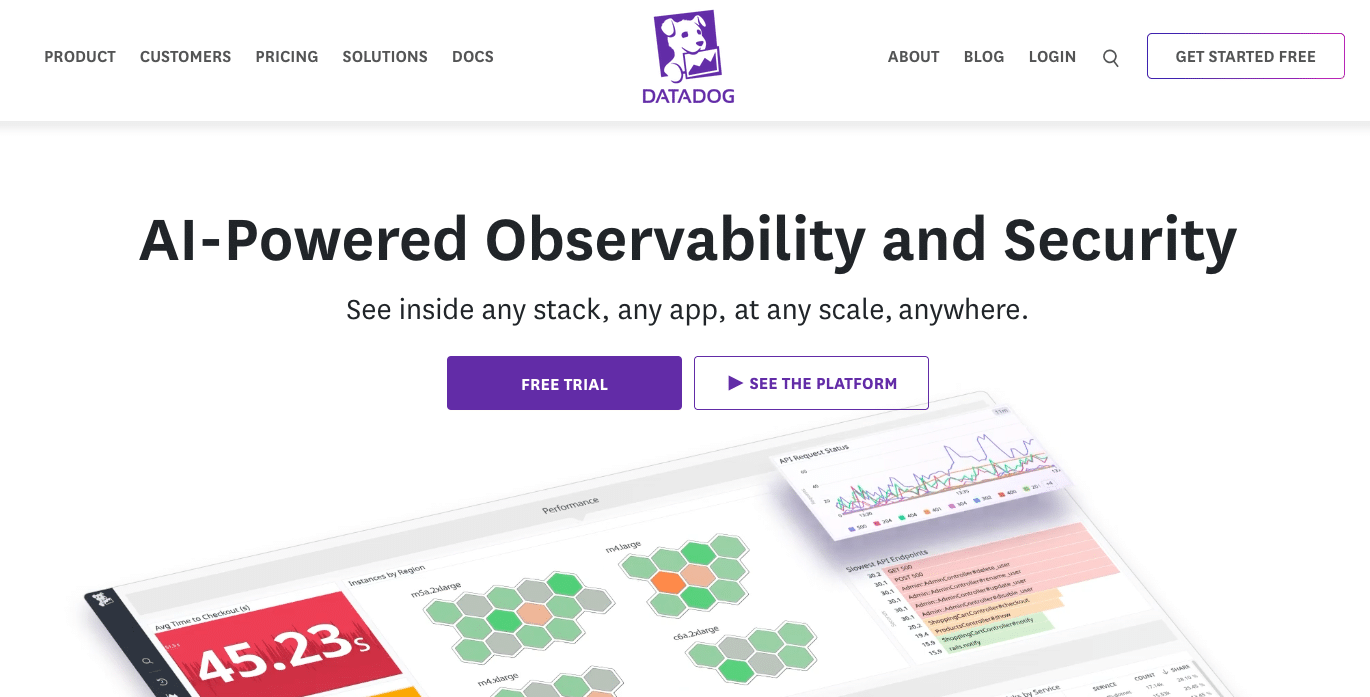
Datadog is a monitoring and observability platform, not a data-transfer tool. During a migration it gives visibility into infrastructure and application health across on-premises, hybrid, and cloud environments, so teams can catch regressions before and after cutover.
Best for: Monitoring system health throughout a migration.
Features
- Service and host maps to visualize data flows.
- Long-term metric retention for before-and-after comparison.
- Coverage across AWS, Azure, and Google Cloud.
- Real-time alerting on performance regressions.
- Dashboards for cutover validation.
| Pros | Cons |
|---|---|
|
One view across mixed environments |
It monitors, it does not move workloads |
|
Strong historical metrics |
Cost can climb for smaller teams |
|
Broad cloud coverage |
Pricing: Usage-based across tiers.
Use it when: You need eyes on performance during and after a migration, alongside a separate transfer tool.
5. VMware HCX
VMware HCX, now part of Broadcom’s VMware portfolio, is an application-mobility platform for moving workloads across VMware environments and into public clouds. It is built for shops already running vSphere.
Best for: vSphere-heavy estates extending into hybrid or public cloud.
Features
- Large-scale and bulk workload migration across sites.
- Network extension across distance.
- WAN optimization for efficient transfer.
- Bulk and incremental migration modes.
- Built-in continuity and disaster-recovery options.
| Pros | Cons |
|---|---|
|
Deep vSphere integration |
Licensing cost |
|
Low-downtime migration modes |
Most value is tied to VMware environments |
|
Broad OS and app support |
Pricing: License-based, depending on the VMware products in use.
Use it when: You run vSphere and want to extend or migrate those workloads with minimal disruption.
6. IBM Turbonomic
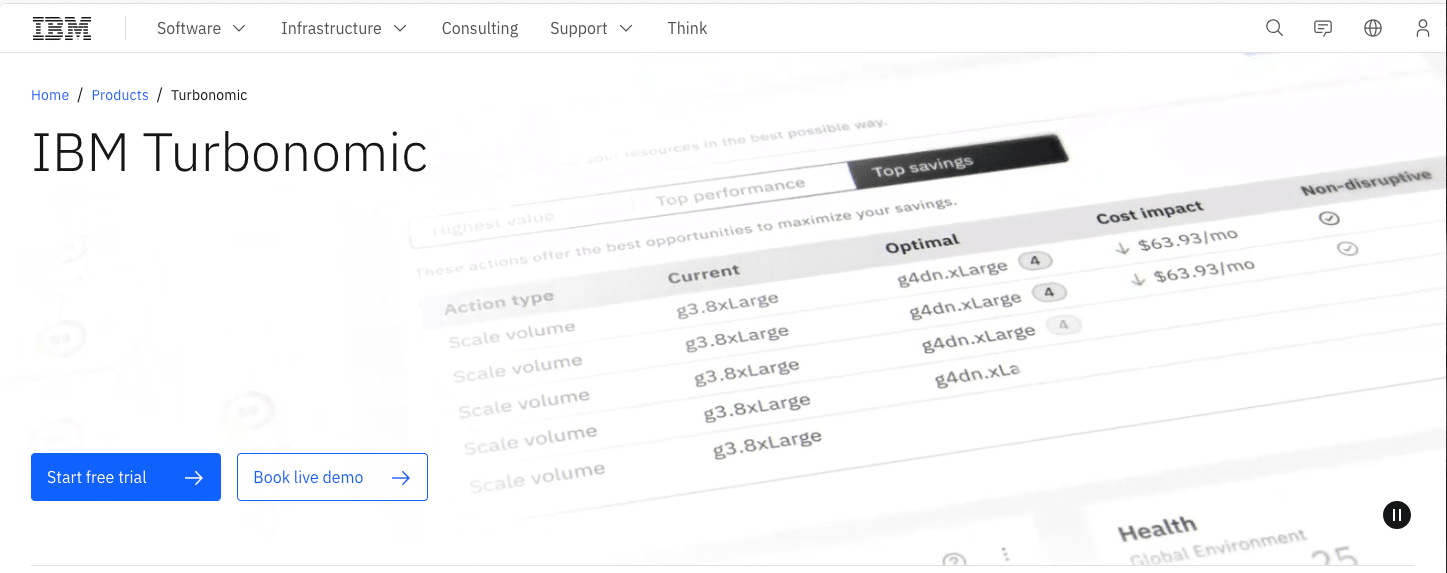
IBM Turbonomic is a resource-optimization platform that analyzes workload demand in real time to inform migration and right-sizing decisions. It is most useful when cost control is the priority from day one of a move.
Best for: Cost-aware migrations across single, hybrid, or multi-cloud.
Features
- Real-time analysis of resource demand.
- Right-sizing recommendations to avoid over-provisioning.
- Billing and discount data folded into planning.
- Guided workflows for migration configuration.
- Continuous post-migration optimization.
| Pros | Cons |
|---|---|
|
Reduces ongoing cloud spend |
Learning curve to use fully |
|
Cuts manual sizing work |
Higher entry cost for small teams |
|
Works across mixed environments |
Pricing: Subscription-based, scaled to the environment.
Use it when: You want cost and sizing decisions built into the migration from the start.
7. Carbonite Migrate 
Carbonite Migrate, now under OpenText, focuses on low-risk, low-downtime data and server migration through continuous replication. It keeps source systems running while data moves, which suits projects that cannot tolerate an outage.
Best for: Zero-downtime moves across mixed or multi-cloud targets.
Features
- Automated, repeatable migration jobs.
- Continuous replication for high availability.
- Test cutovers without touching production.
- Data reduction and encryption in transit.
- Support across major cloud targets.
| Pros | Cons |
|---|---|
|
Systems stay live during migration |
Added complexity in multi-cloud setups |
|
Automation reduces manual error |
Troubleshooting can be involved |
|
Works with AWS, Azure, and Google Cloud |
Pricing: Custom, per-server, based on project scope.
Use it when: Uptime during a large migration is non-negotiable.
8. Cloudsfer
Cloudsfer is a cloud-to-cloud and on-premises-to-cloud transfer and backup platform that supports a wide range of source and target systems. It is aimed at file and SaaS data moves rather than full server replication.
Best for: SaaS and file-level data migration across many platforms.
Features
- Support for 20+ cloud and on-premises platforms.
- Automated transfer jobs to reduce risk.
- Reporting to guide data-management decisions.
- Encrypted transfer for data protection.
- Scheduling and incremental sync.
| Pros | Cons |
|---|---|
|
Wide platform coverage |
Depends on stable connectivity |
|
Encrypted transfers |
Large-scale moves can grow complex |
|
Straightforward setup for file and SaaS data |
Pricing: Custom, typically per-GB by data volume.
Use it when: You are moving file or SaaS data between clouds rather than whole servers.
9. AppDynamics
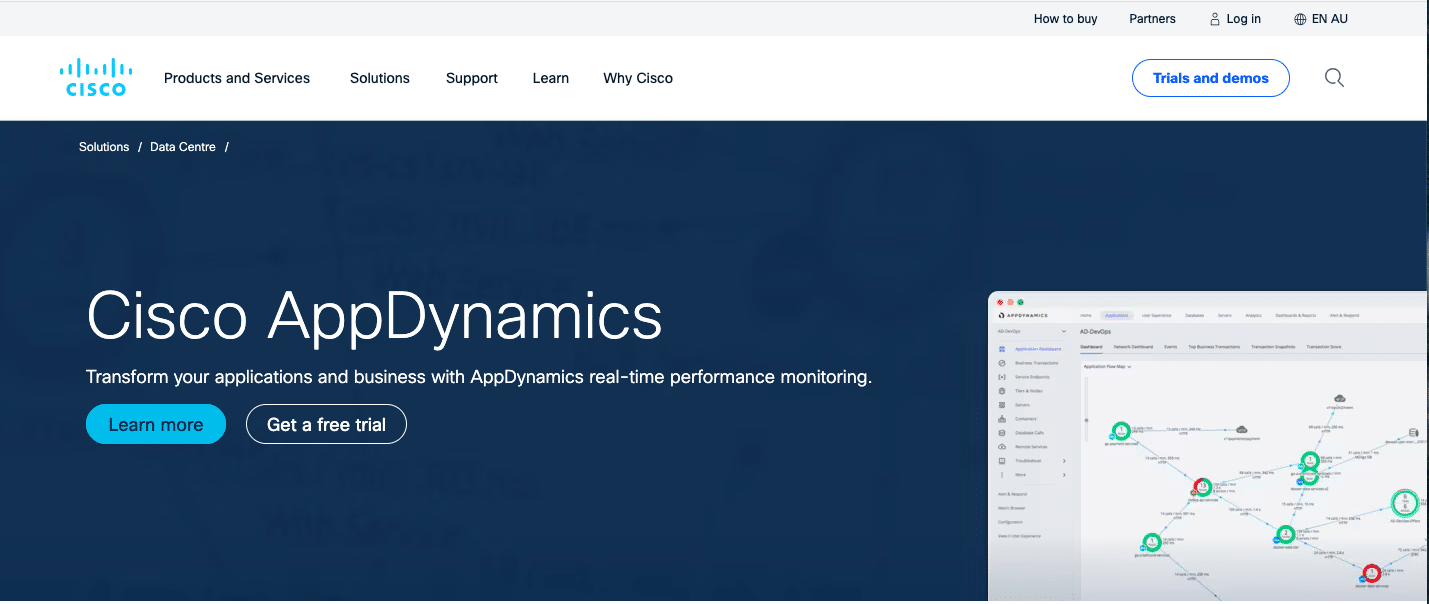
AppDynamics, part of Cisco, is an application performance monitoring platform that tracks app behavior and dependencies through a migration. Like Datadog, it validates performance rather than transferring workloads.
Best for: Application performance visibility during cutover.
Features
- Performance insight to guide migration sequencing.
- Dependency mapping across services.
- Validation of technical and business outcomes after the move.
- Coverage across AWS, Azure, IBM Cloud, Docker, and Kubernetes.
- Detailed post-migration metrics.
| Pros | Cons |
|---|---|
|
Deep application-level visibility |
Learning curve for full use |
|
Useful for dependency-heavy apps |
Cost rises with advanced features |
|
Broad platform support |
Pricing: Subscription, scaled to deployment size.
Use it when: You need application-level assurance that a migration did not degrade performance.
10. AWS Database Migration Service (AWS DMS)
AWS Database Migration Service, or AWS DMS, moves databases to AWS with little downtime and supports both same-engine and cross-engine moves, such as Oracle to Amazon Aurora. It complements AWS MGN: MGN handles servers, DMS handles databases. It earns the tenth slot because database moves are a distinct, high-stakes part of most migrations.
Best for: Database migration to AWS, including engine changes.
Features
- Same-engine and cross-engine database migration.
- Continuous data replication with minimal downtime.
- Schema Conversion Tool support for engine changes.
- Integration with AWS Migration Hub.
- Ongoing replication for testing and phased cutover.
| Pros | Cons |
|---|---|
|
Handles cross-engine moves |
AWS-target focused |
|
Low downtime |
Heterogeneous moves need schema-conversion planning |
|
Integrates with the AWS migration stack |
Pricing: Usage-based on the AWS resources consumed.
Use it when: Your migration includes databases, especially across different engines.
Real World Cloud Migration Success Stories
Tools only matter when a team runs them well. These two migrations show the right tooling holding up under real production pressure, one cross-cloud and one in a regulated industry.
Sanas: Azure-to-AWS, 150 Million Files
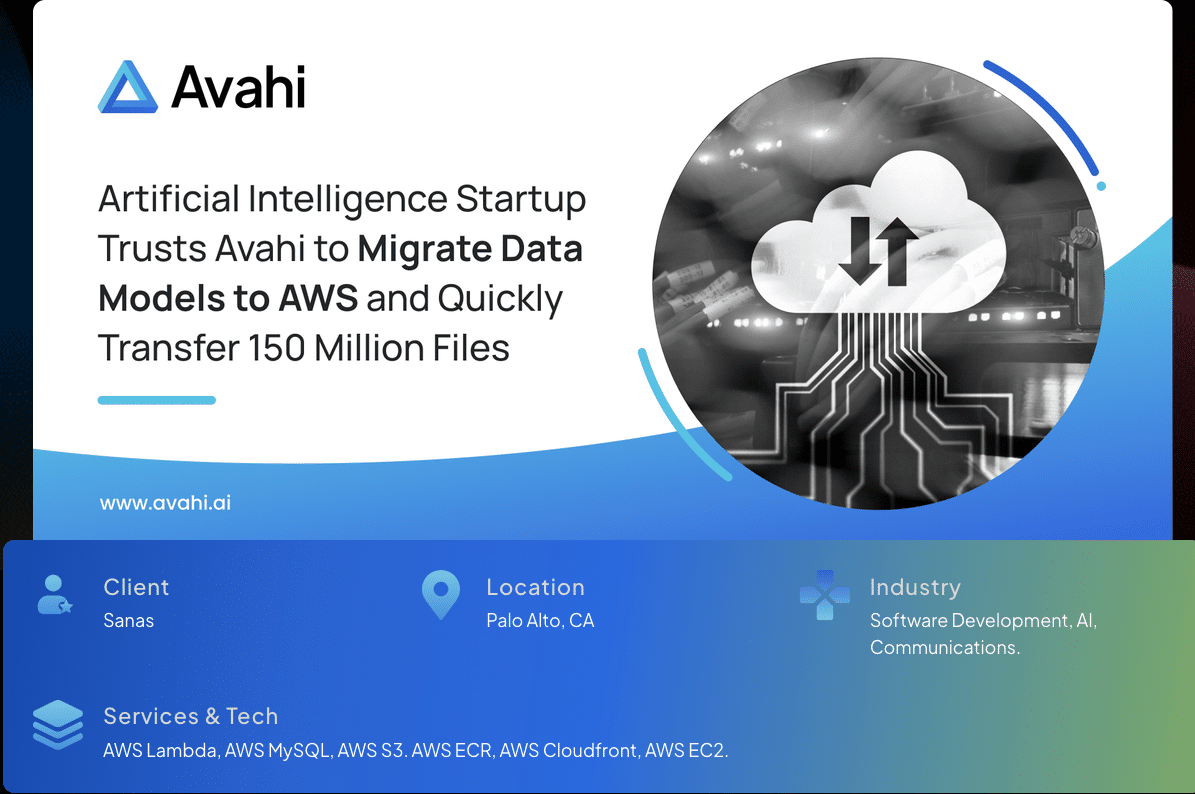
Sanas, an AI accent-translation startup, had infrastructure spread across AWS, Azure, and Google Cloud. As demand grew, it needed to consolidate on AWS and move 150 million database files off Microsoft SQL and PostgreSQL without disrupting model training.
We designed a Terraform-based architecture on Amazon ECS, piloted the transfer with AWS DataSync, then ran four parallel agents for the full move. The migration finished 50 percent faster than Sanas expected, with the training model verified before the old environment was shut down.
Read the full Sanas case study.
NorthBay Healthcare: HIPAA-Relevant Telehealth on AWS
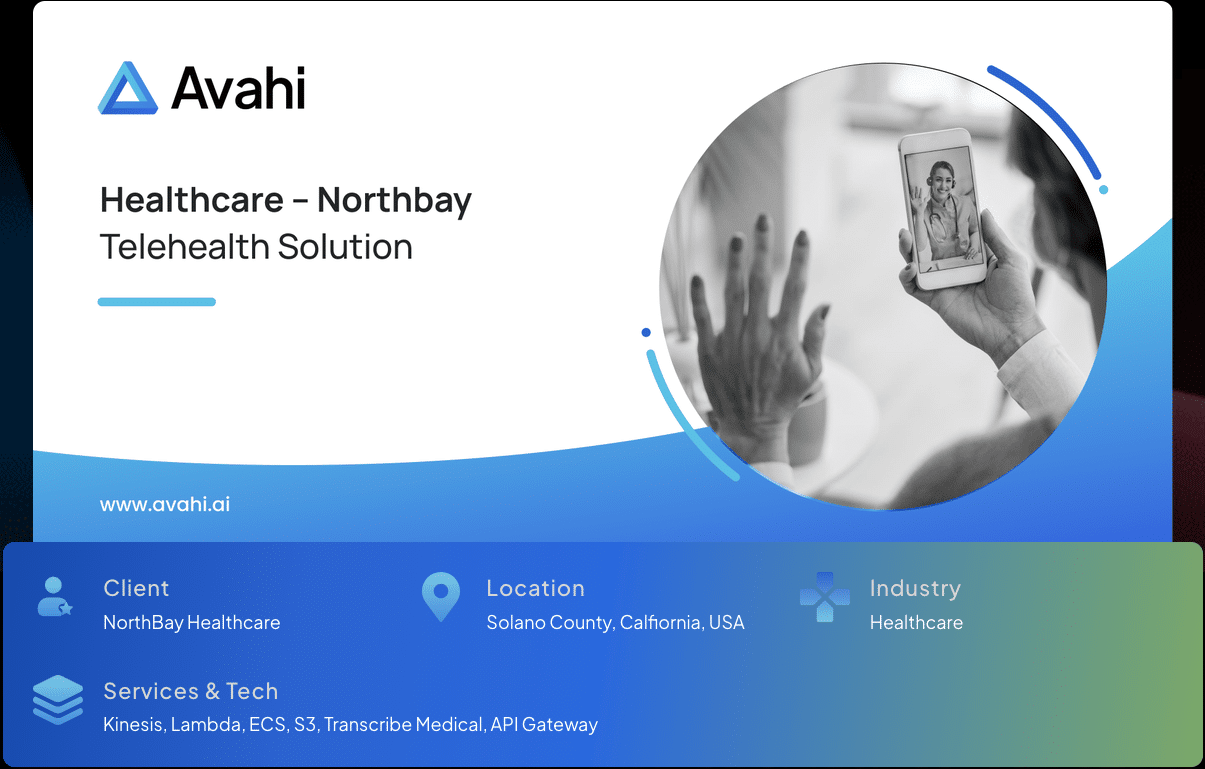
NorthBay, a Solano County nonprofit, wanted a virtual care program but lacked the in-house skills to build something secure, compliant, and integrated with its existing systems.
We delivered in two phases. Phase 1 shipped an MVP in weeks using Amazon Chime for live audio and video. Phase 2 connected the platform to scheduling and billing through serverless APIs, keeping cost low while visit volume scaled.
Read the full NorthBay Healthcare case study.
Choosing a Migration Partner: Why It Matters More Than the Tool
Most migrations do not fail because of the tool. They fail at planning, dependency mapping, and cutover execution. The team running the move matters more than the logo on the software.
At Avahi, we are an AWS Premier Tier Services Partner, the highest tier in the AWS Partner Network, with six AWS Competencies, including Migration and Modernization, 200+ cloud launches, and 200+ AWS certifications. We pick the right tools for each workload and run them through a four-phase process: Discovery and Scoping, Solution Architecture, Build and Iteration, and Deployment and Handoff. That structure is what keeps a migration from becoming a recovery.
Our expert team handles the complexities of moving applications and data to AWS, whether from on-premises data centers or another cloud. Our services include:
For a closer look at what disciplined execution involves, see our cloud migration roadmap.
Ready to scope your move? Schedule your migration readiness assessment with a senior AWS team.
Frequently Asked Questions
What Are Cloud Migration Tools Used For?
Cloud migration tools move data, applications, and workloads from on-premises infrastructure or another cloud to a new cloud environment. They automate replication, reduce downtime, protect data integrity, and check compatibility with the target platform.
How Do I Choose the Best Cloud Migration Tool for My Business?
It depends on your target cloud provider, migration scale, data volume, compliance needs, and in-house skill. Match the tool category to your scenario: AWS-native services for AWS-bound workloads, VMware HCX for vSphere environments, and dedicated database tools for cross-engine moves.
Which Cloud Migration Tool Is Best for AWS Migrations?
AWS Application Migration Service (AWS MGN) is the recommended service for lift-and-shift server replication to AWS. For databases, AWS Database Migration Service (DMS) supports both same-engine and cross-engine moves. Both are managed by AWS and integrate with AWS Migration Hub for tracking.
Are Cloud Migration Tools Suitable for Hybrid or Multi-Cloud Environments?
Yes. VMware HCX, IBM Turbonomic, and Cloudsfer are built for hybrid and multi-cloud scenarios, covering resource optimization, vendor interoperability, and continuous replication across mixed environments.
What Is the Cost of Using Cloud Migration Tools?
Costs vary by tool, scope, and target cloud. AWS MGN has no service charge and bills only for AWS resources used; Datadog and AppDynamics use usage-based pricing. Factor in licensing, setup, and post-migration monitoring when you calculate total cost of ownership.
Do I Need a Migration Partner if I’m Using These Tools?
Tools handle replication and orchestration, but most migrations fail at planning, dependency mapping, and cutover, not at the tooling layer. A partner brings senior engineers, production-grade architecture, and de-risked delivery that a tool alone does not provide.
How Does an AWS Premier Tier Partner Accelerate Migration?
AWS Premier Tier is the highest level in the AWS Partner Network, held by the top 1% of partners. The status reflects certified, multi-competency expertise and access to AWS-backed programs. Avahi pairs that with six AWS Competencies, 200+ cloud launches, and a four-phase delivery process: Discovery and Scoping, Solution Architecture, Build and Iteration, and Deployment and Handoff.